Extension & quy ước code
Quy ước code và bộ công cụ editor cho repo builderx_spa.
Quy ước code
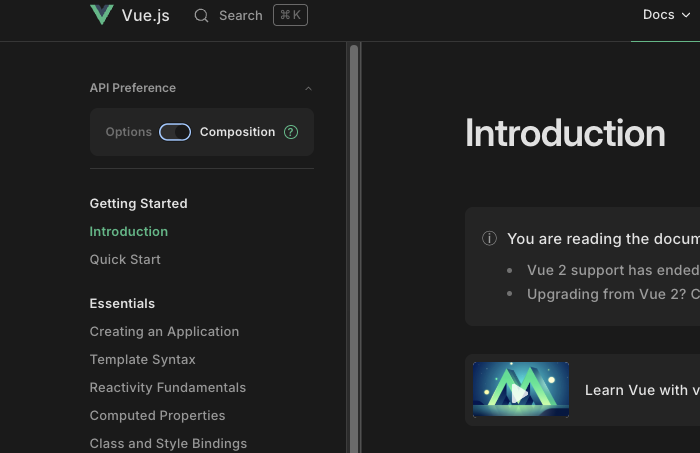
- Viết component theo Vue 3 Options API, trừ khi có lý do rõ ràng để dùng
<script setup>. Xem official guide. - Mọi component dùng chung phải import từ
@/components/design/*— đây là lớp wrap quanh Ant Design Vue. - Key dịch (i18n) lồng nhau, sắp xếp theo alphabet; ngôn ngữ gốc là tiếng Việt (
vi). - Chạy
npm run lintvànpm run formattrước khi mở PR.
Extension VS Code khuyến nghị
-
ESLint — hiển thị lỗi lint ngay trong editor.
-
Husky — Git hooks cho pre-commit lint:
npm run setup:huskyNếu hook không chạy sau khi cài:
chmod +x .husky/pre-commit -
i18n-ally — điều hướng key dịch và preview inline. Cấu hình trong
.vscode/settings.json:{"i18n-ally.localesPaths": ["src/i18n/locales"],"i18n-ally.keystyle": "nested","i18n-ally.translate.engines": ["google"],"i18n-ally.translate.fallbackToKey": false,"i18n-ally.sortKeys": true,"i18n-ally.sourceLanguage": "vi","i18n-ally.regex.usageMatchAppend": ["t\\.success\\(\\s*['\"]({key})['\"]","t\\.error\\(\\s*['\"]({key})['\"]"],"i18n-ally.sortCompare": "locale","i18n-ally.annotationInPlace": false}
Tắt cảnh báo "unknown at-rule" của Tailwind
Bộ validate CSS có sẵn của VS Code không hiểu @tailwind, @apply,... Để tắt cảnh báo, thêm file custom data:
-
Tạo file
.vscode/tailwind.json:{"version": 1.1,"atDirectives": [{"name": "@tailwind","description": "Chèn các style `base`, `components`, `utilities`, `screens` của Tailwind vào CSS.","references": [{ "name": "Tailwind docs", "url": "https://tailwindcss.com/docs/functions-and-directives#tailwind" }]},{"name": "@apply","description": "Inline các utility class có sẵn vào CSS riêng của bạn.","references": [{ "name": "Tailwind docs", "url": "https://tailwindcss.com/docs/functions-and-directives#apply" }]},{"name": "@responsive","description": "Sinh các biến thể responsive cho class của bạn.","references": [{ "name": "Tailwind docs", "url": "https://tailwindcss.com/docs/functions-and-directives#responsive" }]},{"name": "@screen","description": "Tạo media query dùng tên breakpoint thay vì giá trị px.","references": [{ "name": "Tailwind docs", "url": "https://tailwindcss.com/docs/functions-and-directives#screen" }]},{"name": "@variants","description": "Sinh biến thể `hover`, `focus`, `active`,... cho utility class của bạn.","references": [{ "name": "Tailwind docs", "url": "https://tailwindcss.com/docs/functions-and-directives#variants" }]}]} -
Tham chiếu file đó trong
.vscode/settings.json:"css.customData": [".vscode/tailwind.json"]